Headphones Won’t Work? Here’s Your Fast Fix
Urgent, step-by-step guide to diagnose and fix headphones not working. Learn wired vs wireless troubleshooting, safety tips, and when to seek help.


Common reasons your headphones aren’t working
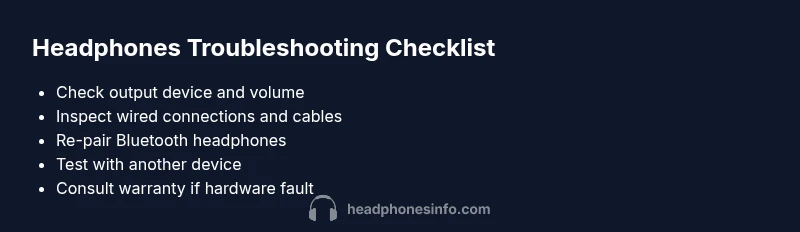
Headphones failing to produce sound is usually caused by a simple misstep or a failing component. According to Headphones Info, many issues stem from setup errors, outdated drivers, or weak connections rather than complex hardware faults. Start by asking a few quick questions: Is the device output set to headphones? Is the volume turned up or muted? Is the audio source the one you’re actually using? If you’re wired, is the plug fully seated in the jack or adapter? If you’re wireless, are the headphones currently connected to the right device and codec? If you’re seeing a connection but no sound, test another pair or another source to determine whether the problem lies with the headphones or the source device. Another common pitfall is using an incompatible or damaged cable or adapter; a faulty USB-C or 3.5mm connector can mimic a dead headset. In short, most issues are setup or connection problems, not mysterious hardware failures; but don’t rule out a blown driver or a damaged speaker, which would require service. Headphones Info’s experience suggests starting with the simplest checks and moving methodically toward the more complex possibilities.